Shattered Resolve light saber
$699.36
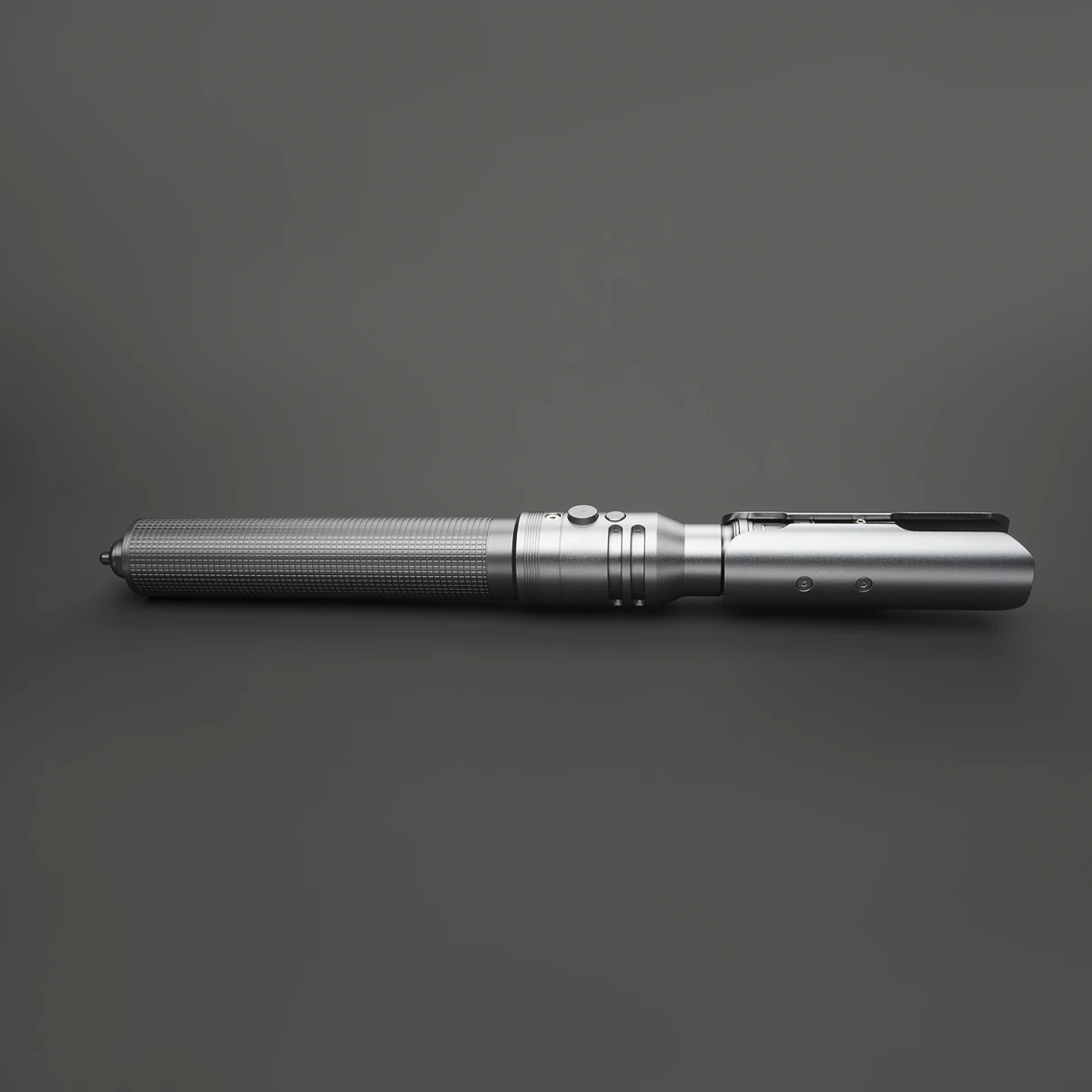
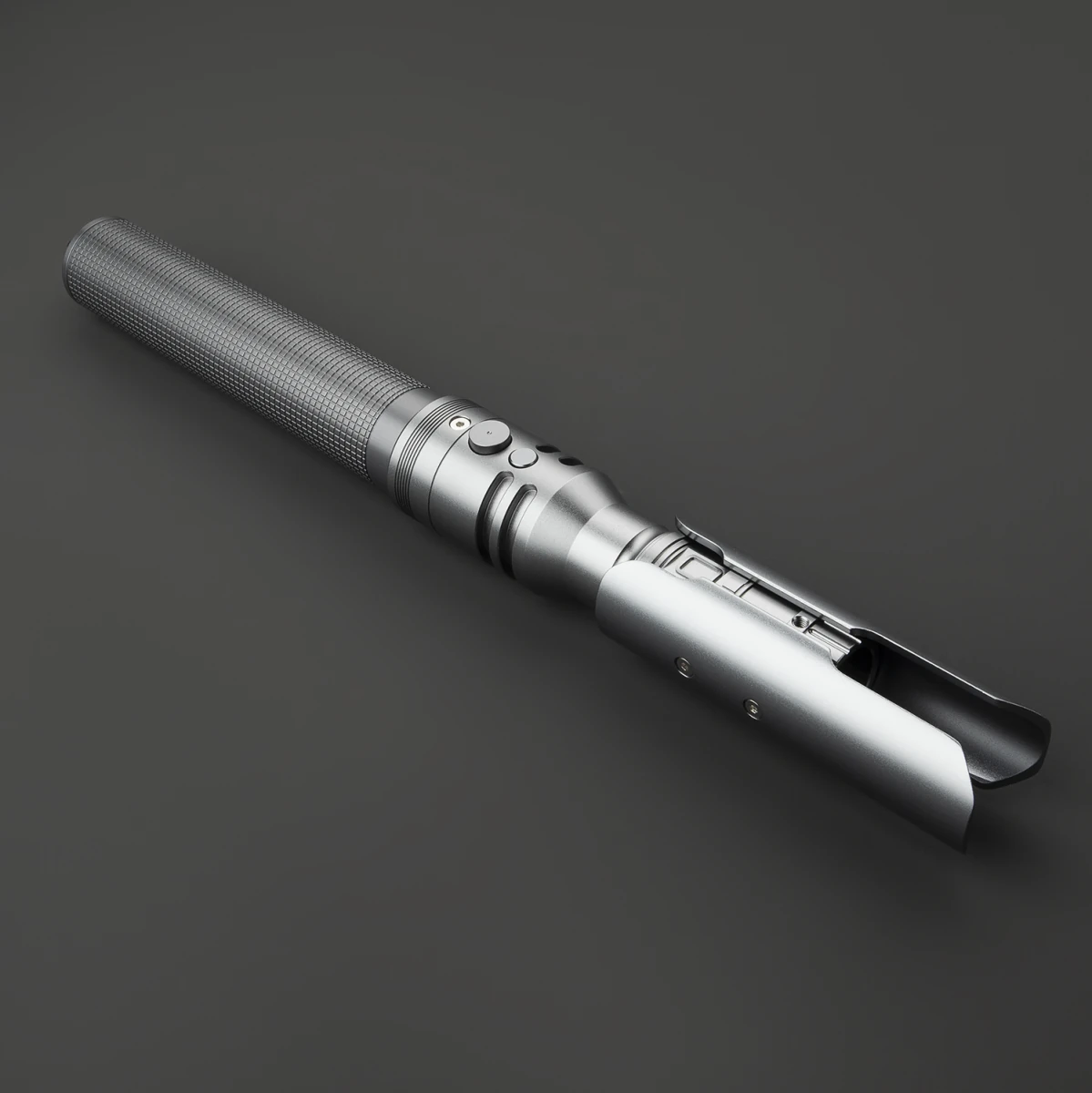
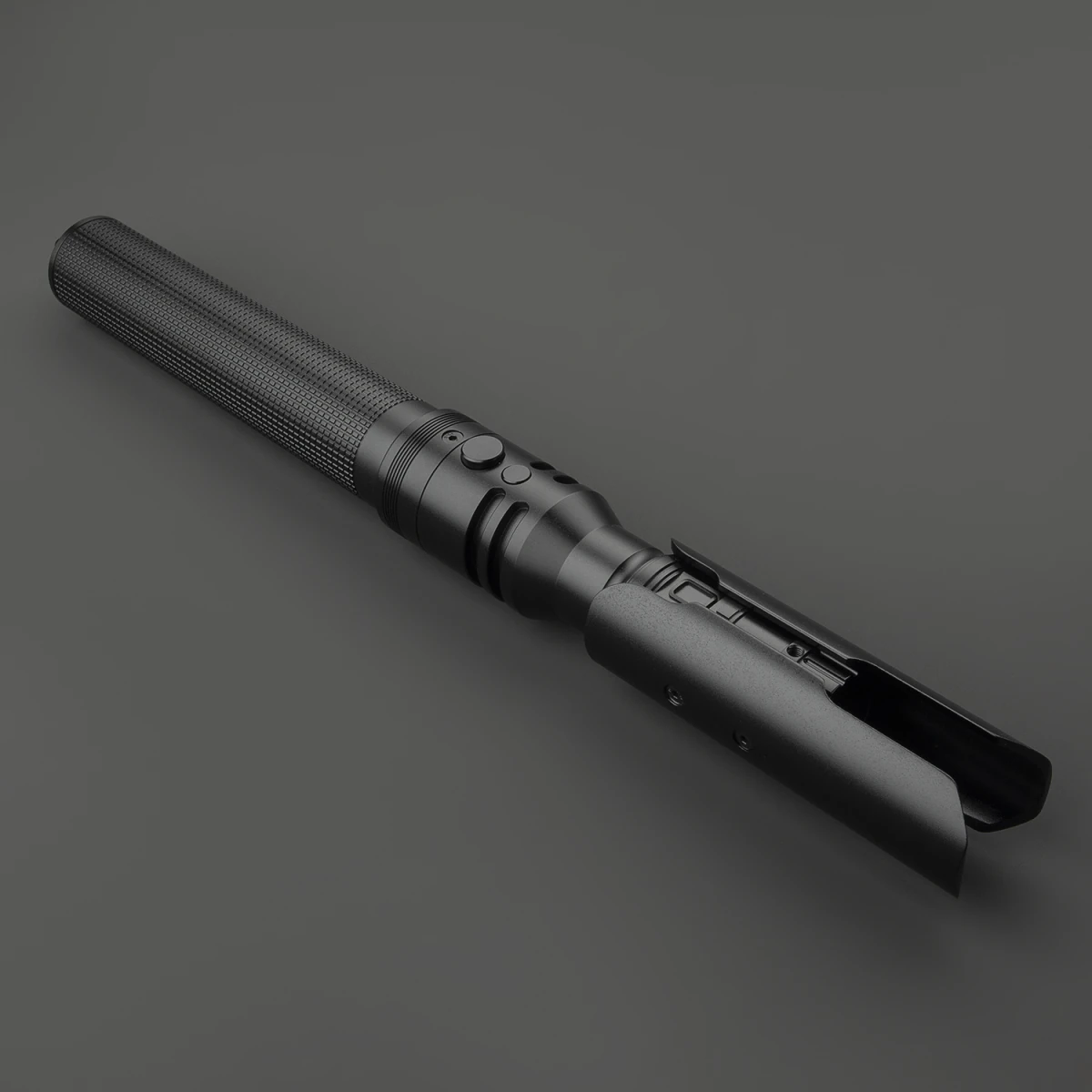
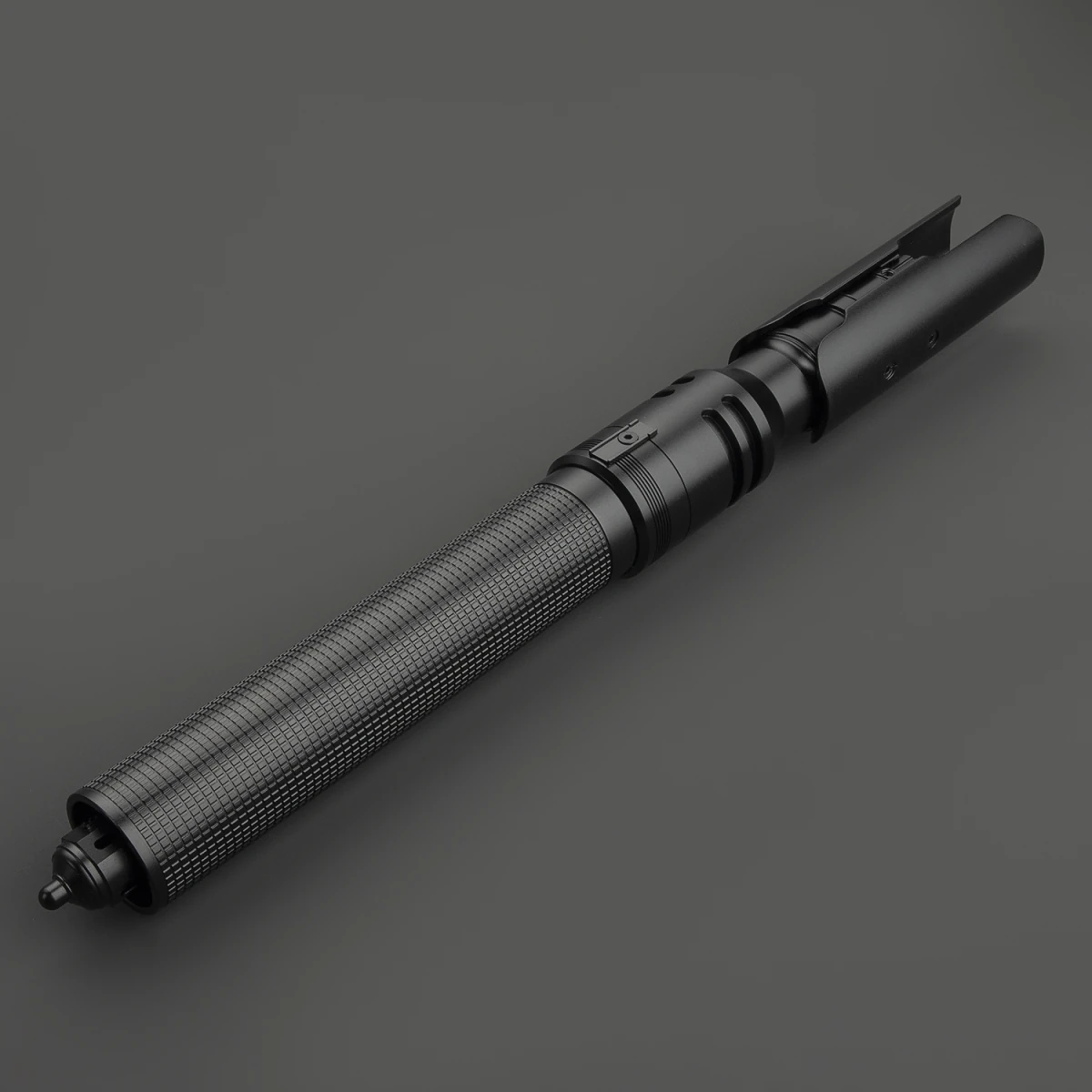
A long textured grip and an asymmetric emitter shroud give Shattered Resolve a rugged, practical silhouette.
Description
Resolve carried forward.
A long textured grip and an asymmetric emitter shroud give Shattered Resolve a rugged, practical silhouette.
Its name speaks to carrying on after a difficult turn. Fine grip texture, a tapered waist and paired circular controls bring character to a hilt built around a clear, extended profile.
The hilt, in detail
- Long grip with a fine grid texture
- Paired round controls above a tapered waist
- Asymmetric split emitter shroud
- Gray and black exterior options shown in supplier references
Your core
XENO 3.0 · Neopixel
LEDs along the blade create scrolling ignition and detailed lighting effects for collecting and display.
- Lighting
- LEDs along the blade
- Sound fonts
- 34 pre-installed
- Battery (per hilt)
- 3600 mAh
- Blade effects
- 8
- Blade color
- Unlimited colors
Control your saber
Everyday control, on the hilt
Most everyday functions are also available through the hilt’s button controls, so a continuous app connection is not needed for regular use.
Fine-tune with the app
This version supports smooth-swing sound, selectable blade colors, gesture controls and Bluetooth app control through Xeno Configurator.
Specifications
- Hilt length
- 38 cm
- Main blade diameter
- 1 in
- Charging
- USB-C
- Charge time
- 2–4 hours
- Main blade length
- 92 cm
- Main blade material
- Polycarbonate
- Main blade
- Removable
- Battery (per hilt)
- 3600 mAh (XENO)
In the box
- 1 assembled Shattered Resolve light saber hilt with the selected electronics core
- 1 matching Neopixel blade
- 1 blade-retention screw set
- 1 hex key
- 1 corresponding charging cable
- 1 card reader
The XENO configuration includes 1 card reader.
Made for your moments

For your collection
Make room for a distinctive hilt in your own collection.

Complete your cosplay
Bring a personal finishing touch to your original character and event photos.

Practice & choreography
Explore illuminated, non-contact choreography with a configuration suited to your plans.
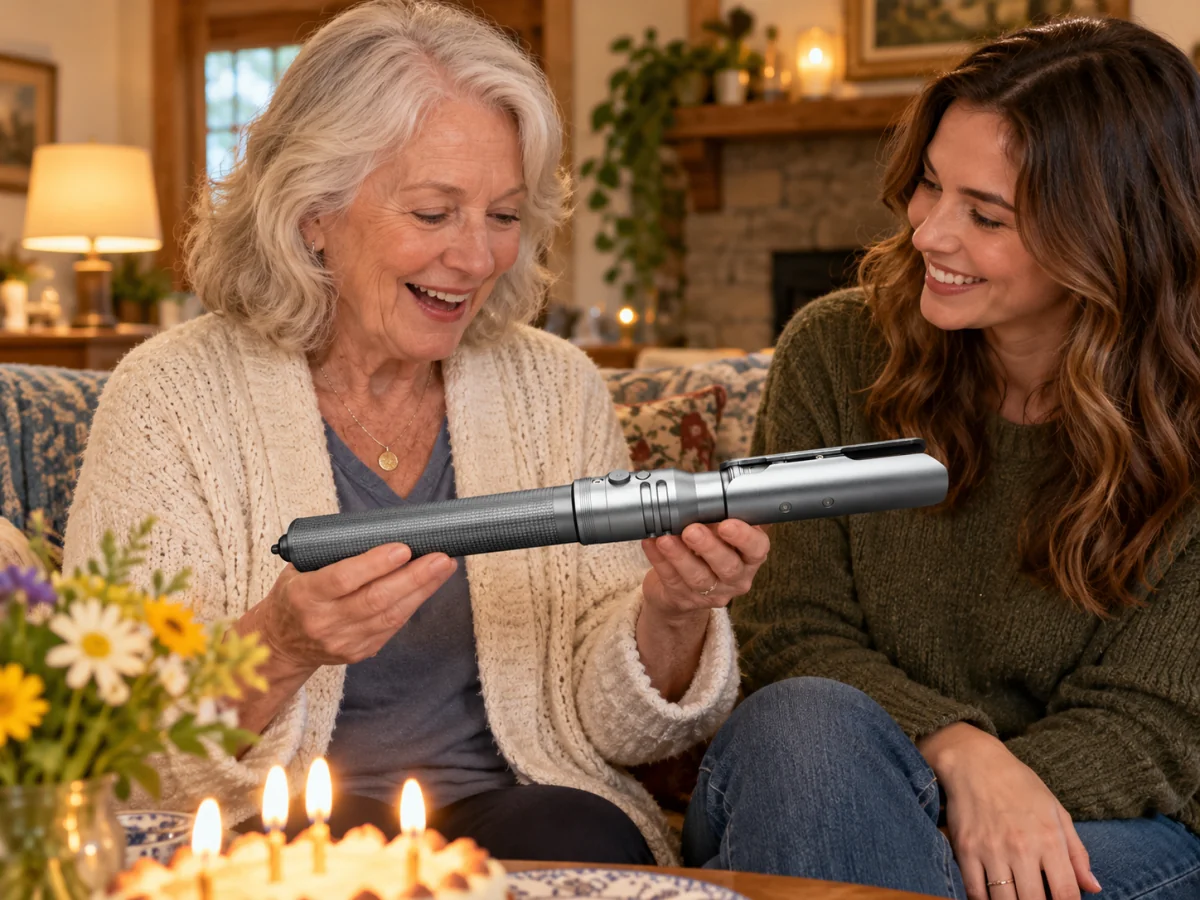
A gift with presence
Share a memorable gift with an adult who enjoys collecting or costume events.
Lifestyle scenes are AI-created illustrations. Display stands, gift wrapping and room accessories are not included unless listed in the box contents.
Delivery & support
Delivery
Fulfilled directly by the manufacturer. Shipping options and charges are shown at checkout. Delivery timing follows the Shipping Policy.
Warranty & support
For warranty questions or product support, contact BJSABER with your order number and a description of the issue. Coverage is subject to the product’s applicable warranty terms.
Before you ignite
Do I need to keep the app connected?
No. Most everyday functions are available through the hilt’s button controls, so a continuous app connection is not needed for regular use.
How should I charge and care for it?
Use the supplied charging cable and the power source specified in the product manual. Keep the electronics dry and follow the supplied care instructions.
QUESTIONS & ANSWERS
Before you choose.
Common questions about this saber.
Can the app recognize and track multiple sabers?
Yes. The Xeno Configurator app can pair with and remember multiple sabers. Each saber appears in the "My Saber" tab, and you can switch between them. Only one saber can be actively connected at a time.
Read full answerWhat can I control in the app? (full overview)
You can control: blade color, sound font, volume, light effect (hum/blaster/force/clash/lock-up/flash on clash), blade length (LED pixel count), brightness, side blade on/off, flash on clash sensitivity, power-on/power-off timing, pre-on light effect, motion control (pull-push/twist/swing) sensitivity, and firmware updates.
Read full answerHow do I change the blade color?
Two ways: 1) Quick color select on the main screen — tap to cycle through popular preset colors, tap again to set. 2) Color palette — full color picker with RGB input (0-255 for each Red, Green, Blue) for any custom color.
Read full answerHow do I change the sound font?
On the main screen, tap "font select" to choose a font. After selecting, you can also edit the light effects associated with that font. The selected font plays on the next ignition.
Read full answerWhy does the app keep disconnecting from my saber?
Most disconnections are caused by low battery (charge above 50%), thick metal hilt interfering with Bluetooth (try removing the Core from the hilt), or distance/obstacles. If issues persist, update the app to the latest version.
Read full answerMore questions? Read the full Saber Field Manual
Related products
-

First Oath light saber
Price range: $329.36 through $389.36Select options This product has multiple variants. The options may be chosen on the product page -
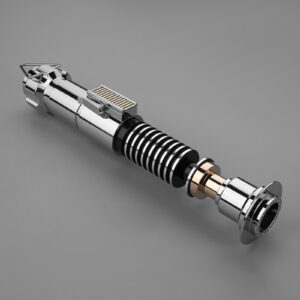
Luke V2 Inspired Lightsaber
Price range: $199.00 through $249.00Select options This product has multiple variants. The options may be chosen on the product page -
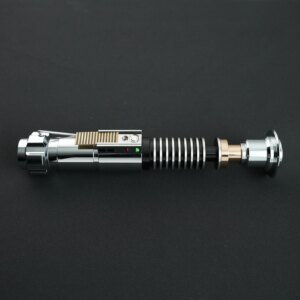
Luke EP8 Inspired Lightsaber
Price range: $199.00 through $249.00Select options This product has multiple variants. The options may be chosen on the product page -
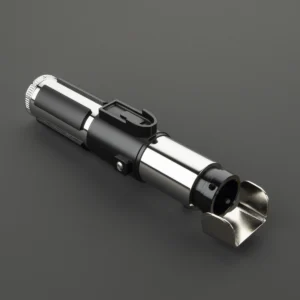
Quiet Wisdom light saber
Price range: $329.36 through $399.36Select options This product has multiple variants. The options may be chosen on the product page