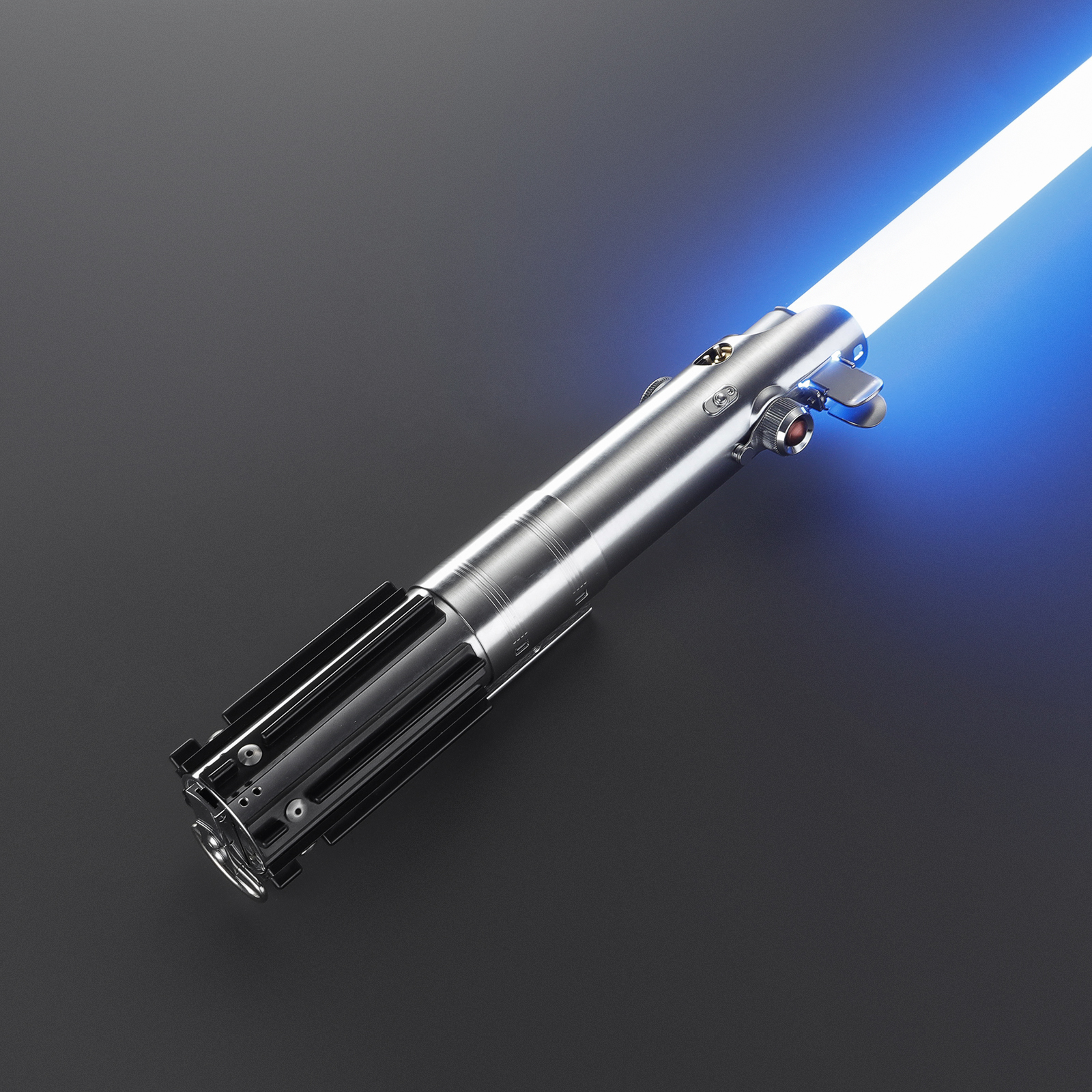
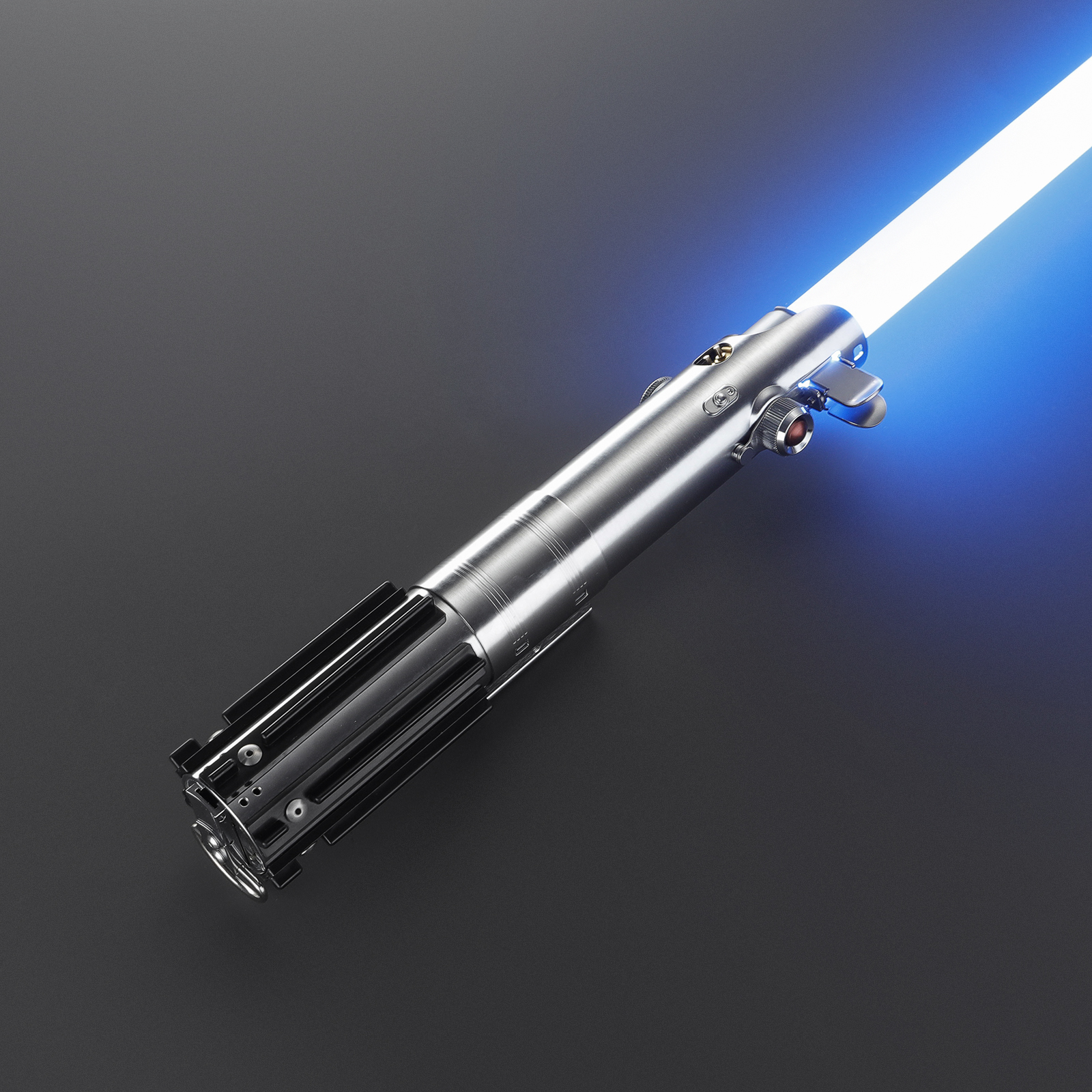
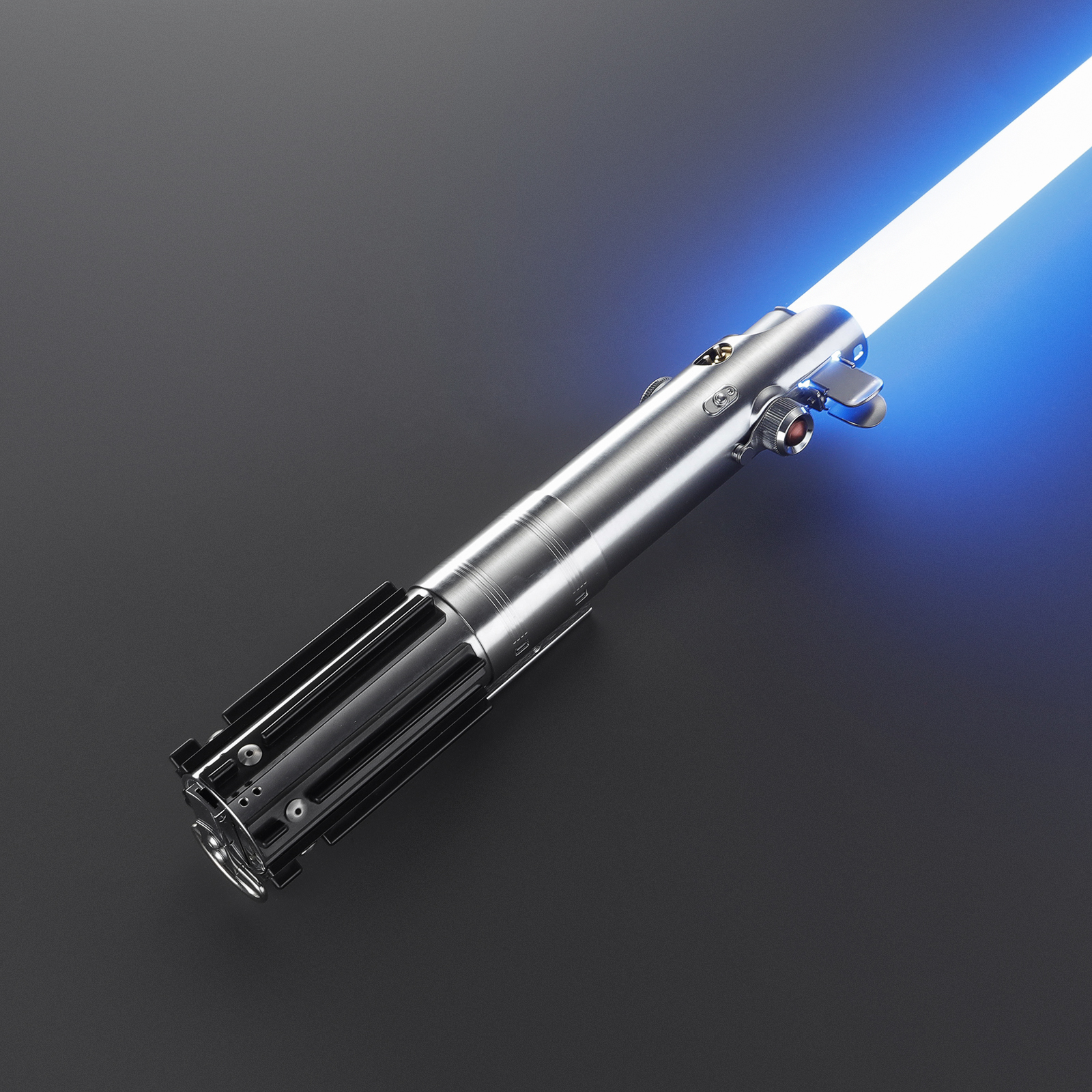
Classic Hero Graflex Lightsaber
Price range: $195.00 through $260.00
The classic hero Graflex profile — museum silhouette, modern electronics.
Description
Built to be held, made to be shown.
The classic hero Graflex profile — the museum silhouette that started it all, with three electronics tiers to choose from.
From a silent stunt build for pure display, to Xenopixel effects, to a Proffie pixel board for total customization. The hilt stays faithful; the inside is your call.
Every detail has a job.
- The iconic Graflex camera-flash silhouette
- Three electronics tiers: Stunt / Xenopixel / Proffie
- Display stand included in the box
- Blade removal tool + spare screws included
One hilt. Choose your core.
XRGB 3.0
Durable baselit build for practice, dueling and long sessions.
- Blade colorUnlimited
- Sound fonts16
- Battery3000 mAh
- FX modes3
- Best forDueling
XENO 3.0
Full-blade neopixel illumination for cinematic ignition and display impact.
- Blade colorUnlimited
- Sound fonts34
- Battery3600 mAh
- FX modes8
- Best forCollecting
Your saber, your rules.
Smooth-swing motion tracking, gesture ignition and flash-on-clash come standard. Pair the free Bluetooth app to fine-tune blade color, sound fonts, motion sensitivity and effects — no computer required.
Measured, not guessed.
- VersionsBaselit Stunt / Xenopixel / Proffie Pixel
- Sound fonts0 / 9 / 25 by version
- Blade92 cm polycarbonate, removable
- ExtrasDisplay stand included
Everything needed to begin.
Where this saber belongs.
- Vintage-hero cosplay & display
- Collectors wanting the original silhouette
- Proffie tinkerers who flash custom fonts
- Desk display on its included stand
From our stock to your hands.
U.S. stocked variations dispatch from American warehouses (typically 3-5 business days). Everywhere else ships tracked worldwide, typically 7-14 business days. Orders over $99 ship free worldwide.
Covered for a year. Backed for good.
One-year warranty on electronics and battery. Not covered: drop damage, water exposure, unauthorized disassembly. Every saber is inspected before dispatch — if something arrives wrong, we make it right.
Know before you ignite.
What is the difference between XRGB and XENO?
XRGB places a bright LED in the hilt — tougher and longer-running. XENO runs LEDs through the blade for scrolling ignition and richer effects.
Where does it ship from, and how long?
U.S. stocked variations dispatch domestically in 3-5 business days. International delivery is tracked worldwide, typically 7-14 business days.
What is covered by warranty?
One year on electronics and battery. Drops, water and disassembly are not covered.
QUESTIONS & ANSWERS
Before you choose.
Common questions about this saber.
Can the app recognize and track multiple sabers?
Yes. The Xeno Configurator app can pair with and remember multiple sabers. Each saber appears in the "My Saber" tab, and you can switch between them. Only one saber can be actively connected at a time.
Read full answerWhat can I control in the app? (full overview)
You can control: blade color, sound font, volume, light effect (hum/blaster/force/clash/lock-up/flash on clash), blade length (LED pixel count), brightness, side blade on/off, flash on clash sensitivity, power-on/power-off timing, pre-on light effect, motion control (pull-push/twist/swing) sensitivity, and firmware updates.
Read full answerHow do I change the blade color?
Two ways: 1) Quick color select on the main screen — tap to cycle through popular preset colors, tap again to set. 2) Color palette — full color picker with RGB input (0-255 for each Red, Green, Blue) for any custom color.
Read full answerHow do I change the sound font?
On the main screen, tap "font select" to choose a font. After selecting, you can also edit the light effects associated with that font. The selected font plays on the next ignition.
Read full answerWhy does the app keep disconnecting from my saber?
Most disconnections are caused by low battery (charge above 50%), thick metal hilt interfering with Bluetooth (try removing the Core from the hilt), or distance/obstacles. If issues persist, update the app to the latest version.
Read full answerMore questions? Read the full Saber Field Manual
Related products
-
Universal Combat Saber
Price range: $99.00 through $195.00Select options This product has multiple variants. The options may be chosen on the product page -
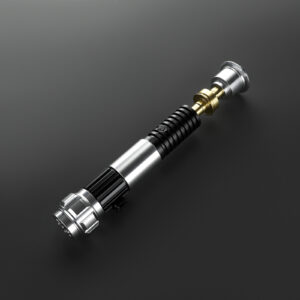
Obi-Wan SE Lightsaber
Price range: $159.00 through $195.00Select options This product has multiple variants. The options may be chosen on the product page -
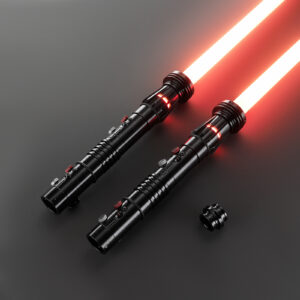
Darth Maul Inspired Twin-Edge Lightsaber
Price range: $249.00 through $399.00Select options This product has multiple variants. The options may be chosen on the product page -
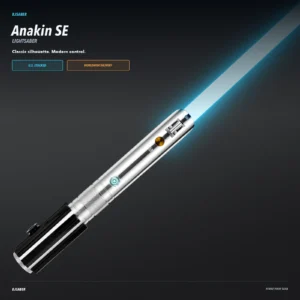
Anakin SE Lightsaber
Price range: $175.00 through $195.00Select options This product has multiple variants. The options may be chosen on the product page